Import Employee
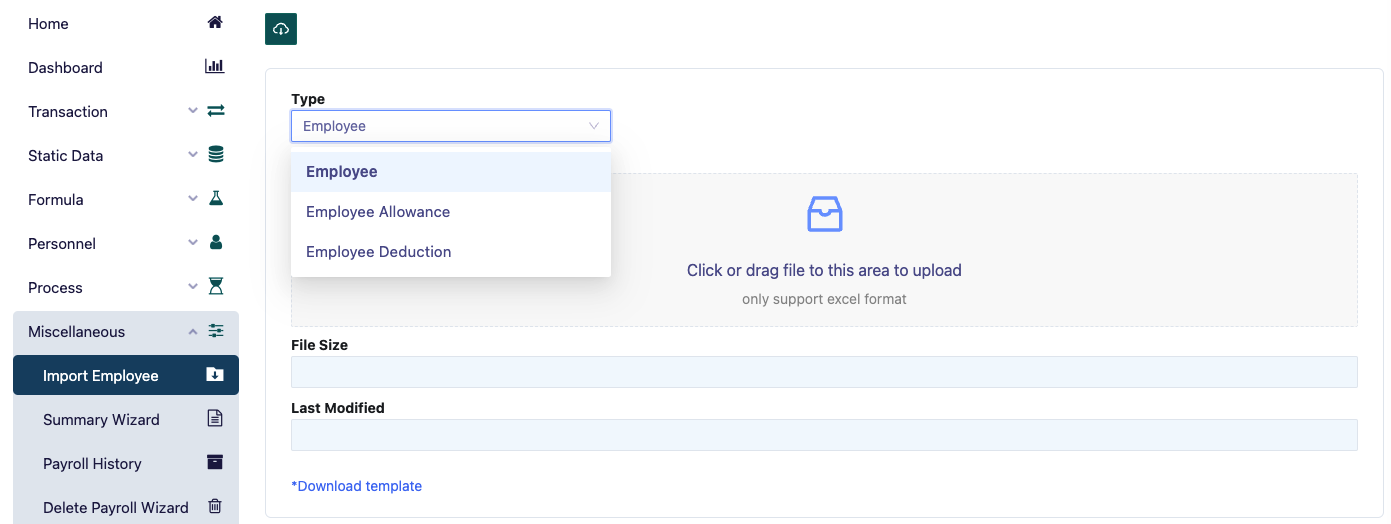
The first page of the Miscellaneous Menu is the Import Employee Page, which is used to import raw employee allowance and deduction data, typically from files like Excel, CSV, and others.
Once the web page, as shown above, appears, users can import employee allowance and deduction data by dragging the file into the designated field. This simplifies data input for allowances and deductions, avoiding manual entry for each employee.