Change Password Page
After successfully logging in, if the user wants to change their password, they can click on the "Change Password" feature as shown in the image above, and a page like the one shown below will be displayed.
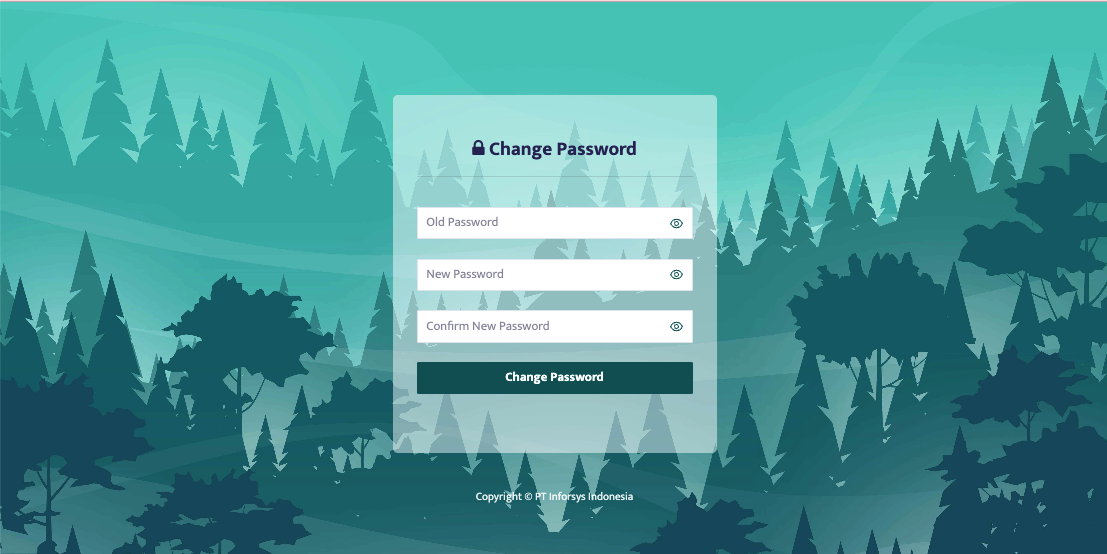
Once the page appears as shown in the image above, the user can enter the old password, new password, and confirm the new password, then click the "Change Password" button to save.