Home Page
After successfully logging in, you will be directed to the web application's home page, which can be seen in the image below.
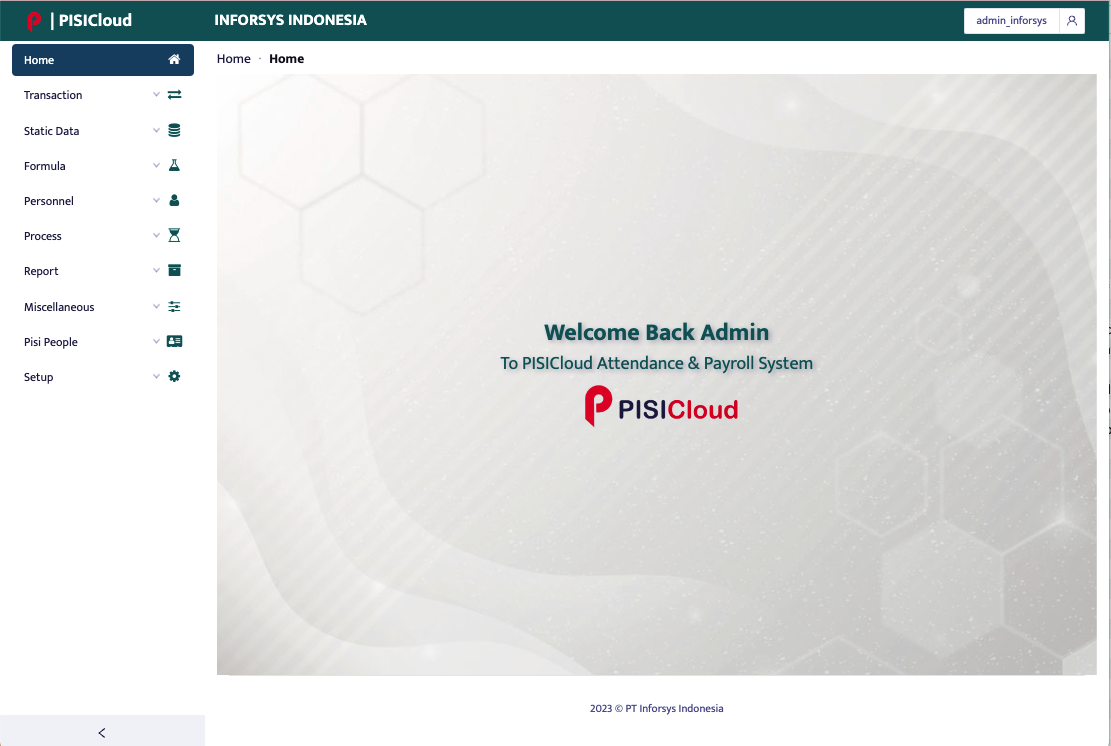
Once the web page appears as shown in the image above, users can see various menus available on the left side of the page, such as the Transaction, Static Data, Formula, Personnel, Process, Miscellaneous, Setup, Report, and Pisi People menus. Users can also change their password and log out from the top right corner of the page, as shown in the image below.
