Menu Setup
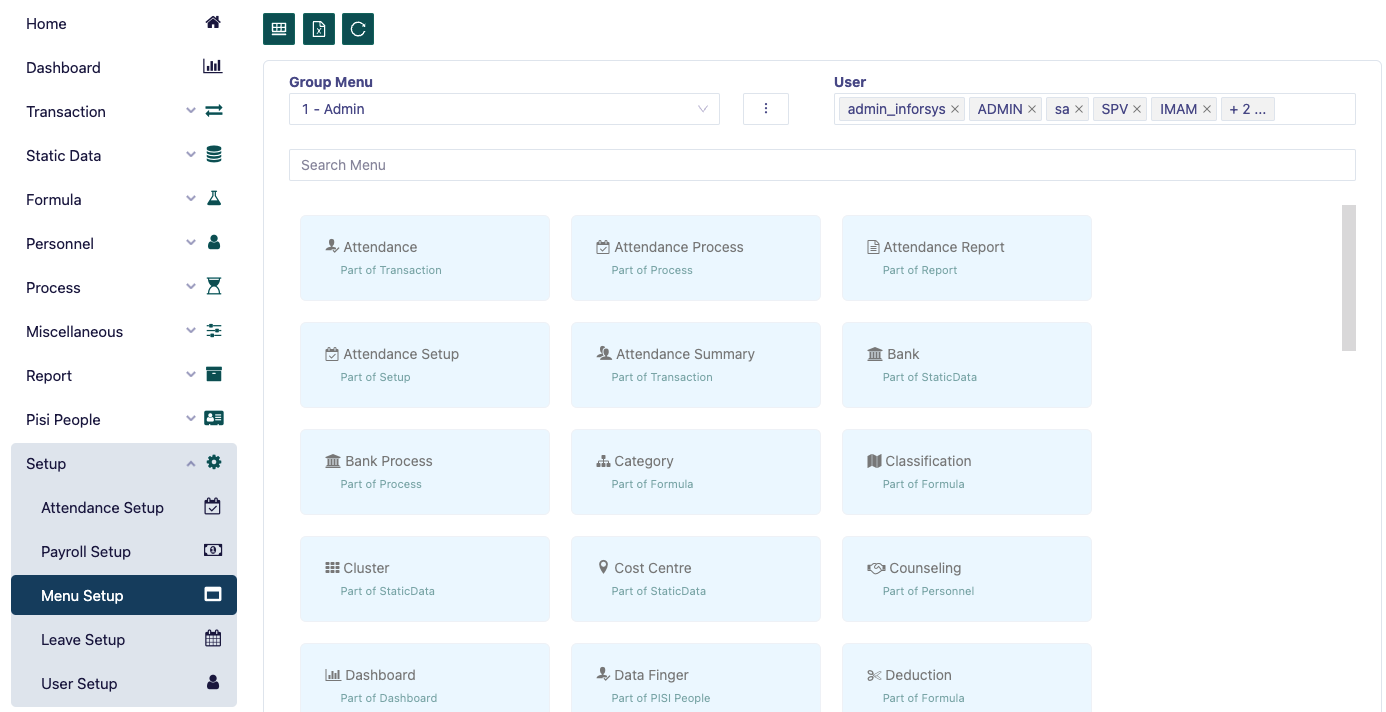
Page Menu setup functions to set the menu that will be displayed to a particular user or user group.
There are 2 ways to display this setup menu, namely: form form and table form.
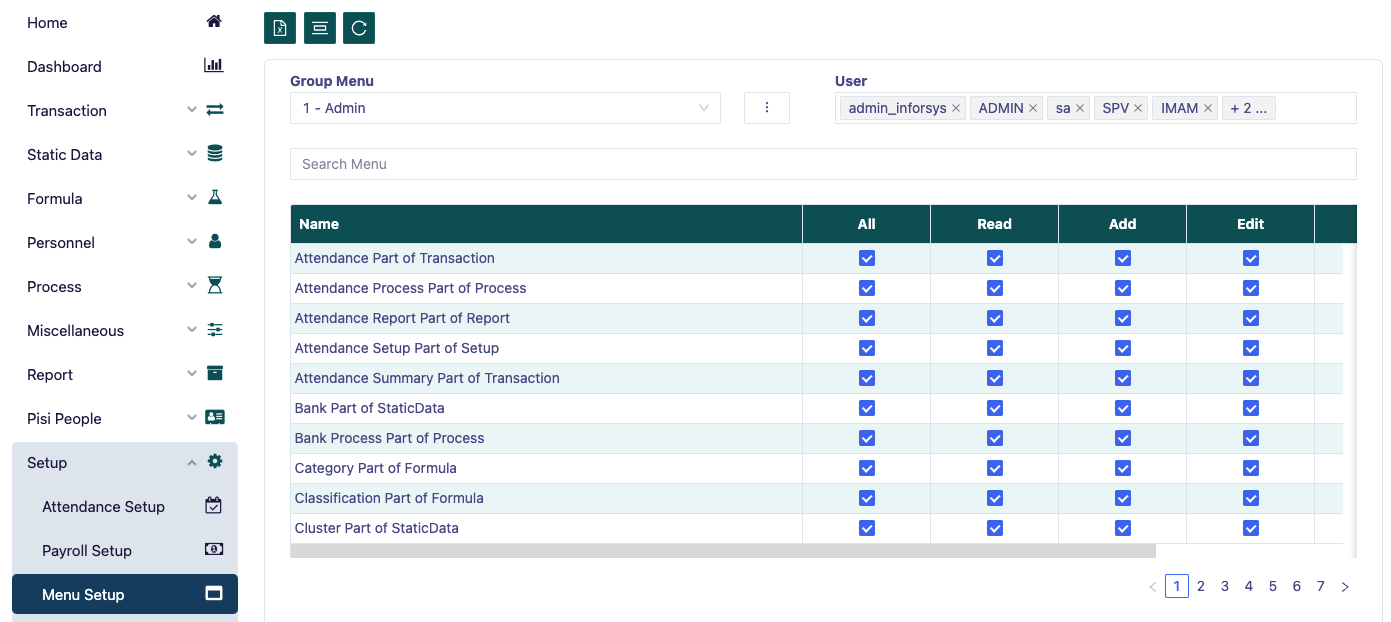
In the 'Menu Group' select the group you want to set, then determine the users included in the group.
To add a menu group, click the 3-dot icon and select 'Add Group' then the 'Add New Group' popup will appear, fill in the ID and group name, then click 'Add Group'.
To update the menu group, click the 3-dot icon and select 'Update Group', then the 'Update Group' popup will appear, Update ID and/or group name, then click 'Update Group' or 'Delete Group' to delete the menu group.
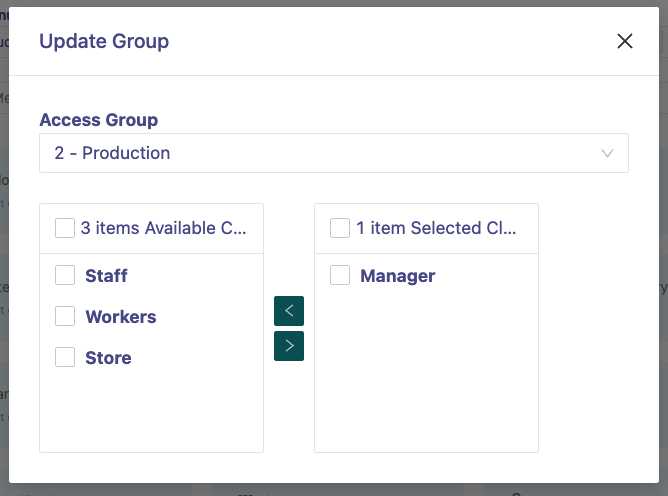
To group the menu into several groups, click the 3-dot icon and select 'Access Cluster', then the 'Access Cluster' popup will appear, select the group you want to group.
To delete a menu individually, search or scroll the menu you want to delete, then click the 'minus' icon and click to delete the menu.