User Setup
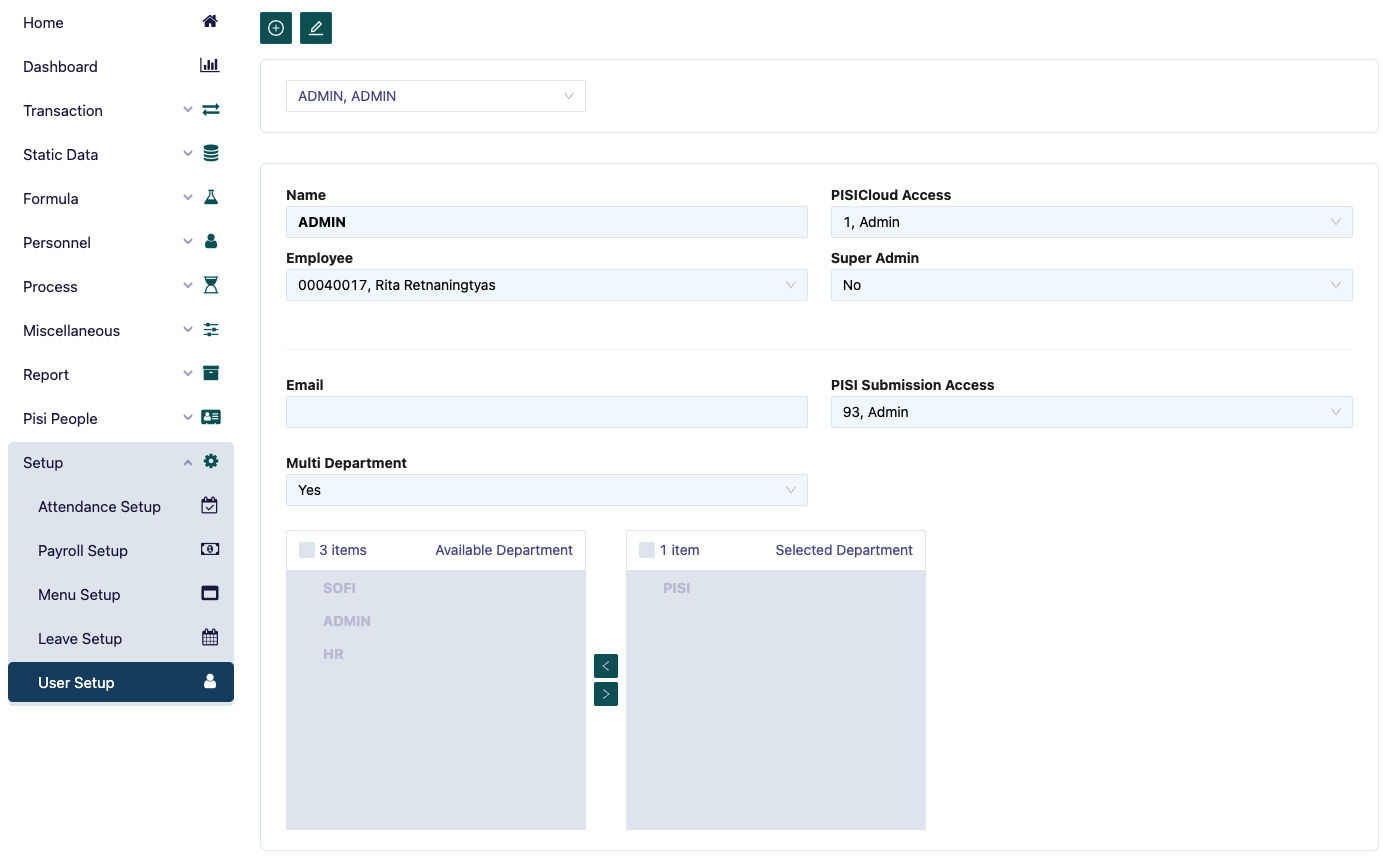
The User setup page functions to set user access on Pisi Cloud. There are two types of users that can be set up, namely: admin and user.
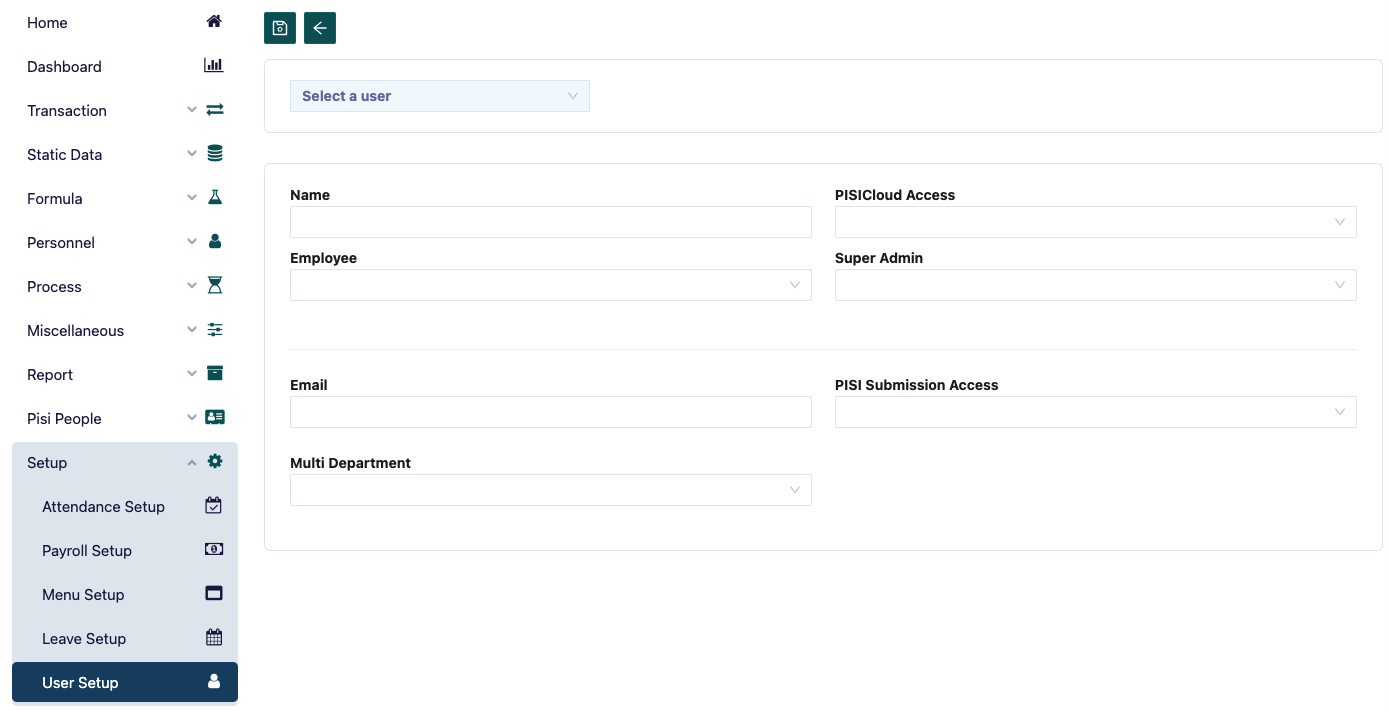
To set up a user, you can do it by filling in the following details:
- PISICloud Access, which is the user's access to PISICloud
- Employee, filled in with employees who have access from the selected user
- Super admin, filled in yes or no for the super admin user's access rights.
- Email, filled with the user's email
- PISI Submission Access, which is the user's access to PISISubmission
- Multi department, filled with yes or no for the user to be able to access multi departments.
If you can access multi departments, you can select which departments the user can access, by selecting and dragging the department names that are available for access by the user.