Employee Status
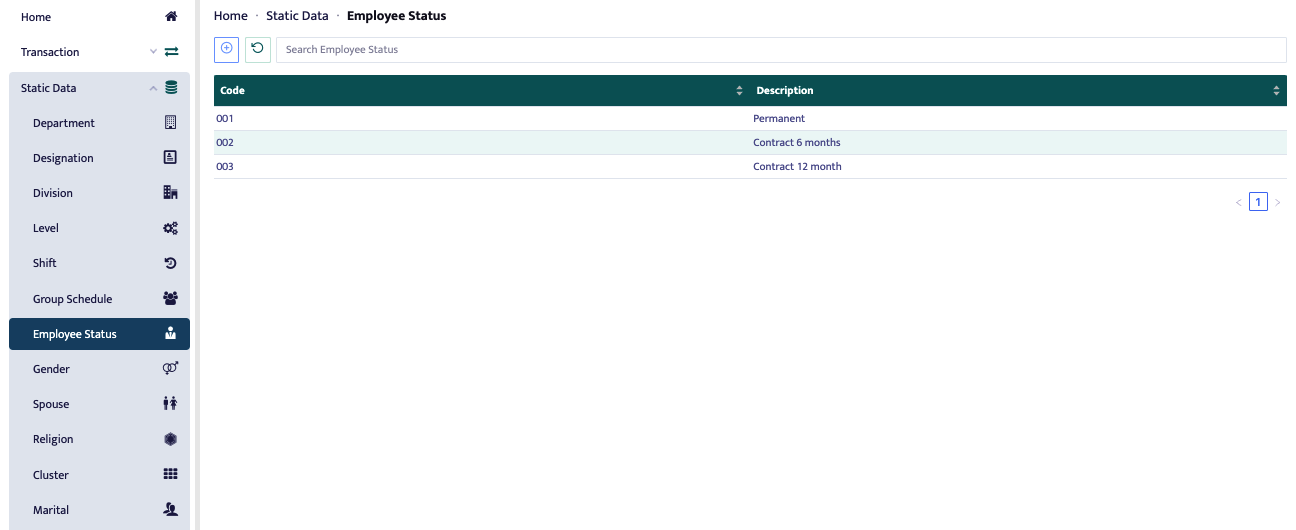
This menu is used to assign the status of an employee, such as contract or permanent status, etc.
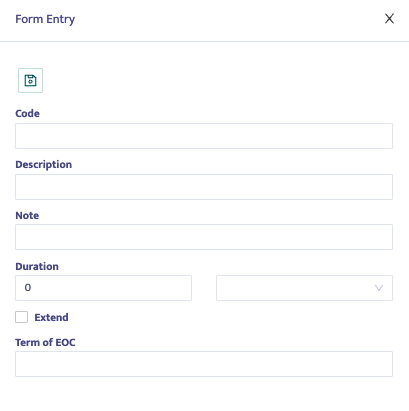
To add a new status, press the [+] button in the top left corner of the form, and a form like the one shown in the image will appear.
Fill in the fields as provided. The duration refers to how long the contract status is valid.