Shift
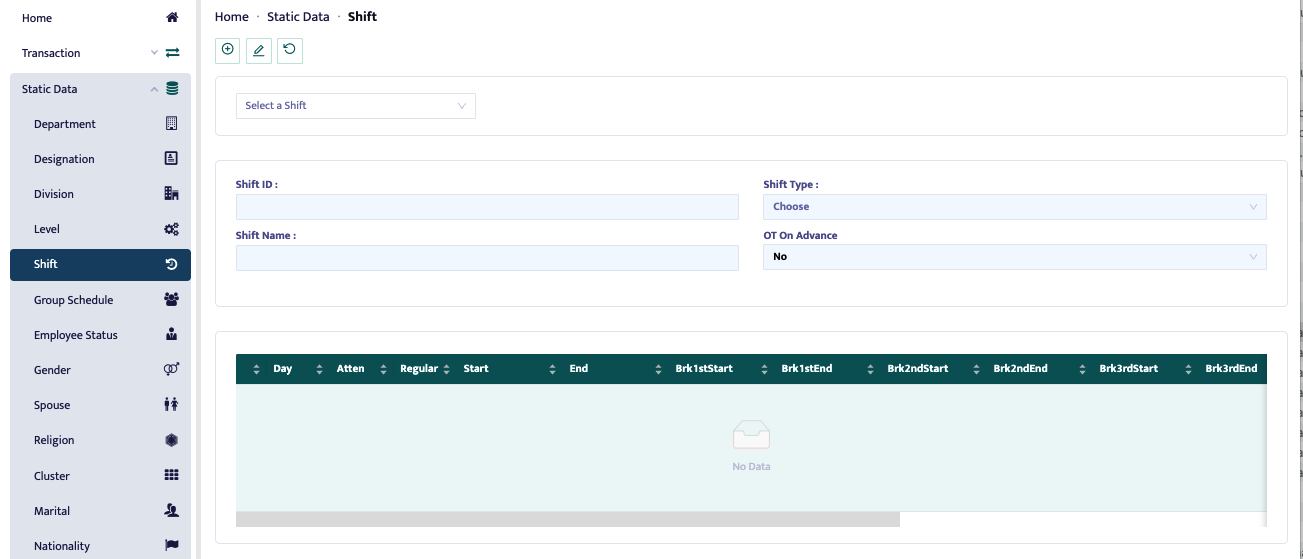
This menu is used to set work schedules and determine work hours, such as start and end times.
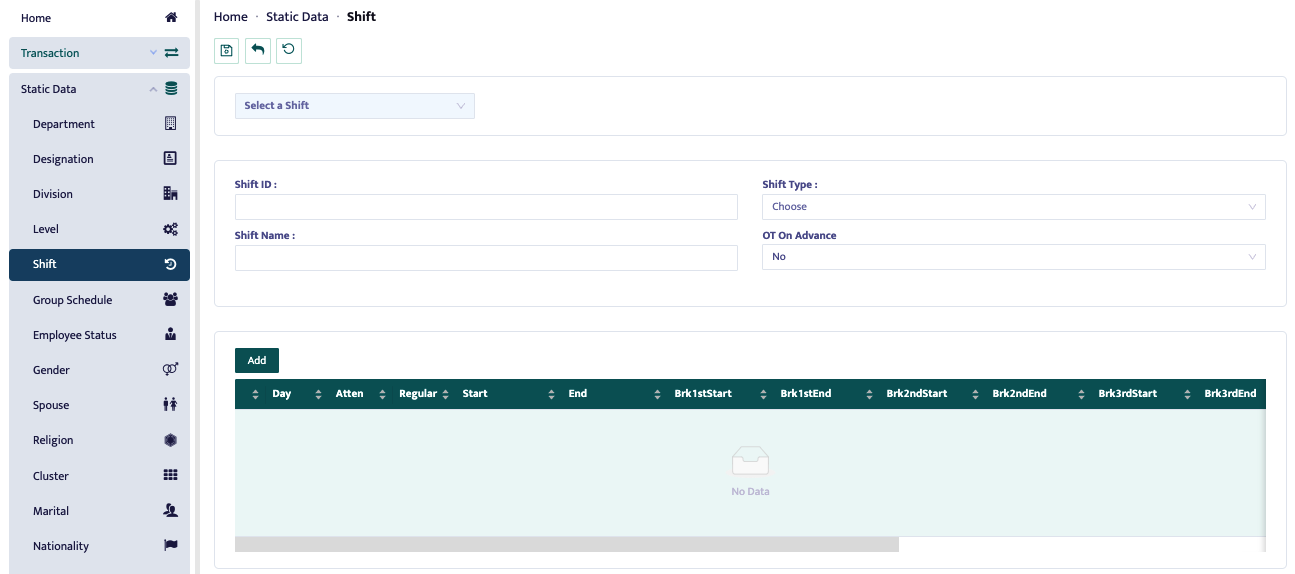
To add a new shift schedule, press the [+] button, then fill in the Shift ID, Shift Name, Shift Type, and OT on Advance (if there is a specific overtime condition).
After that, fill in the columns for the days and work hours from start to finish. Additionally, if there is a break schedule, fill in the break time. Break time reduces the total work hours.
The Attend column is used to determine whether work is required on that day or not. Regular is used to specify whether the day is a working day or a holiday.