Attendance
The second page in the Transaction Menu is the Attendance Page, which functions to display the attendance data of all employees. It is equipped with features like import machine, collect, recalculate, calculate OT plan, slotting, and refresh.
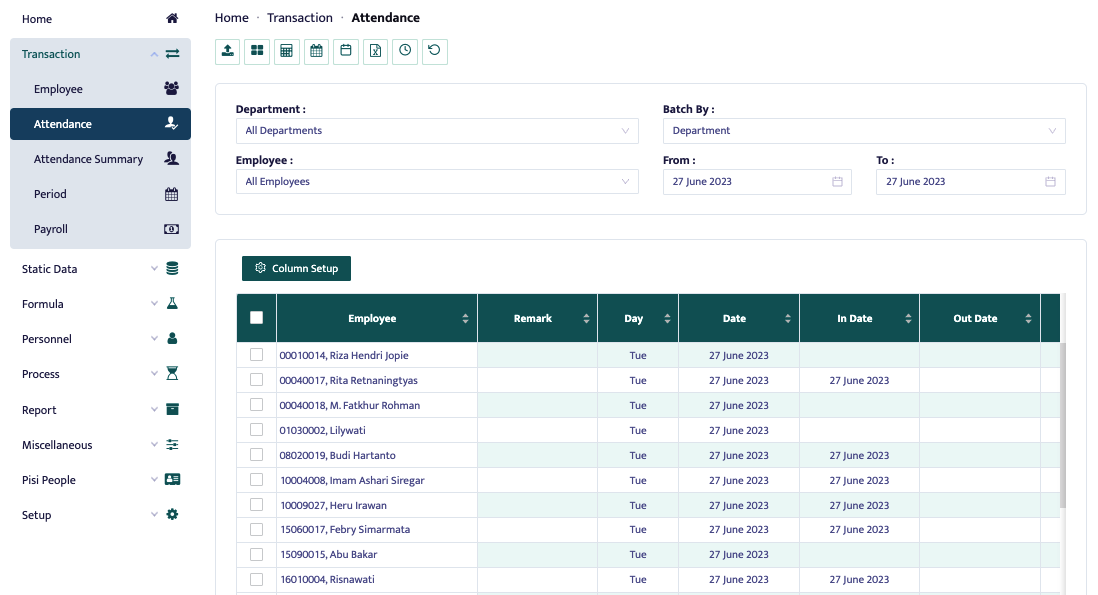
Once the page is displayed as shown above, users can see all their employee attendance data. They can perform import machine, collect, recalculate, calculate OT plan, slotting, and refresh their attendance data in the top left corner of the page, as shown below.

The Attendance Page has an import machine feature, as shown in the image below.
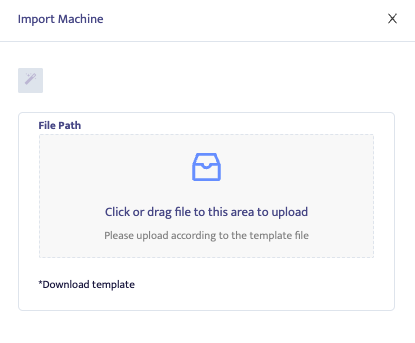
The Import Machine feature is used to import raw attendance data from machines, which usually contains data in excel, csv, etc. The process involves dragging the file into the field and clicking the wand-shaped button.
The Attendance Page has a collect wizard feature, as shown in the image below.
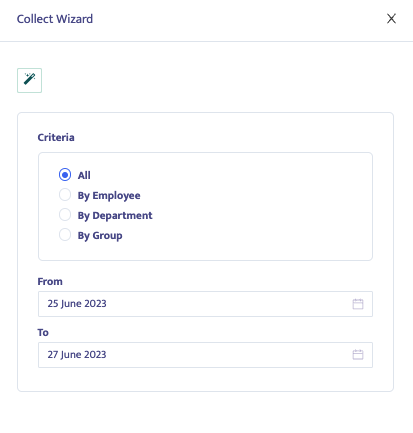
The Collect Wizard is used to collect attendance data generated from the Time Machine Recorder if you're using a time machine.
The Attendance Page has a recalculate feature, as shown in the image below.

Recalculate is used to recalculate all attendance data.
The Attendance Page also has a slotting feature, as shown below.
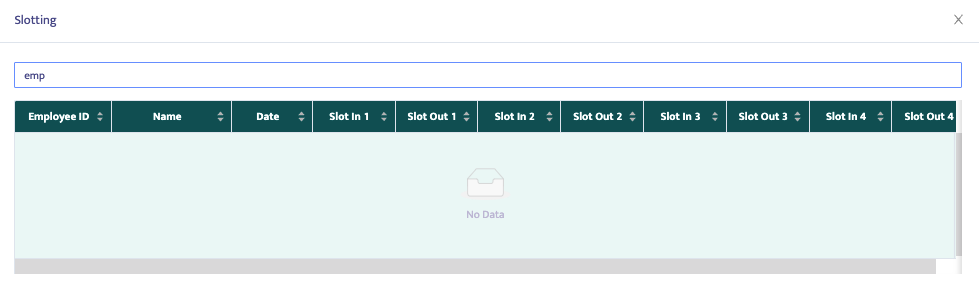
Slotting is used to view slot results when using a time recorder machine. It helps to identify employees who may have multiple slots in a day, making it easier to edit.