Attendance Summary
The third page in the Transaction Menu is the Attendance Summary Page, which functions to review the results summarized by the attendance posting process. It checks whether the posting results are correct.
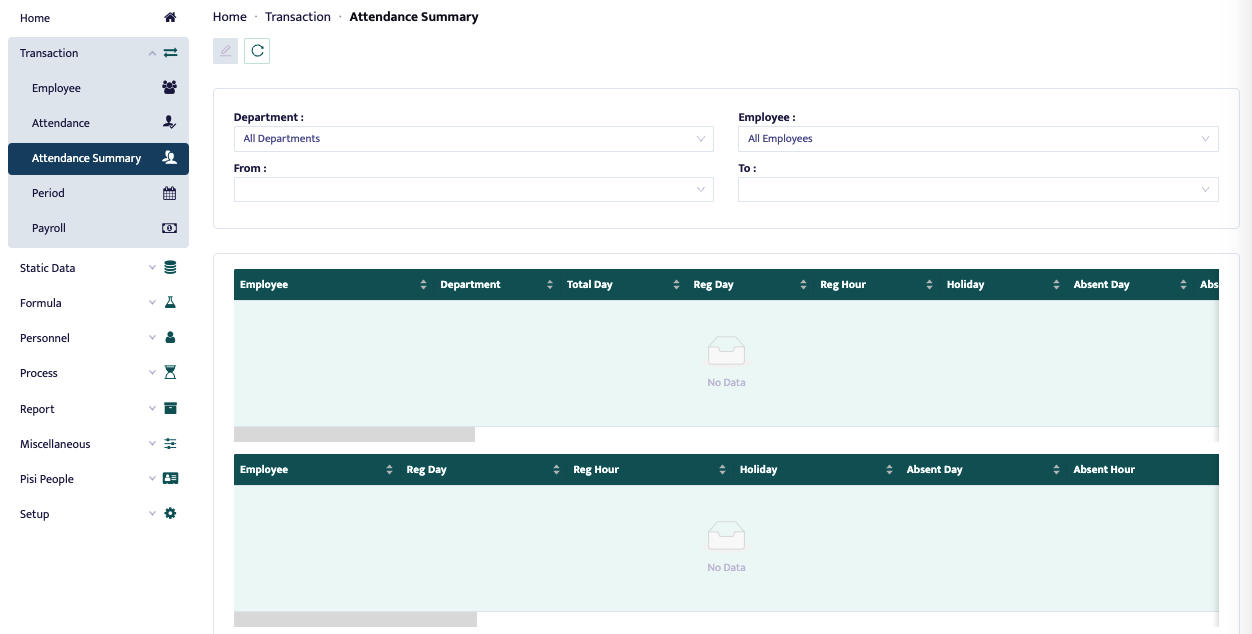
Once the page appears as shown in the image above, the user can see the summary results of all employee attendance data. The steps required to view the summary information from the attendance posting process are as follows:
- Click the Attendance Summary menu in the main menu.
- A summary form will be displayed as follows.
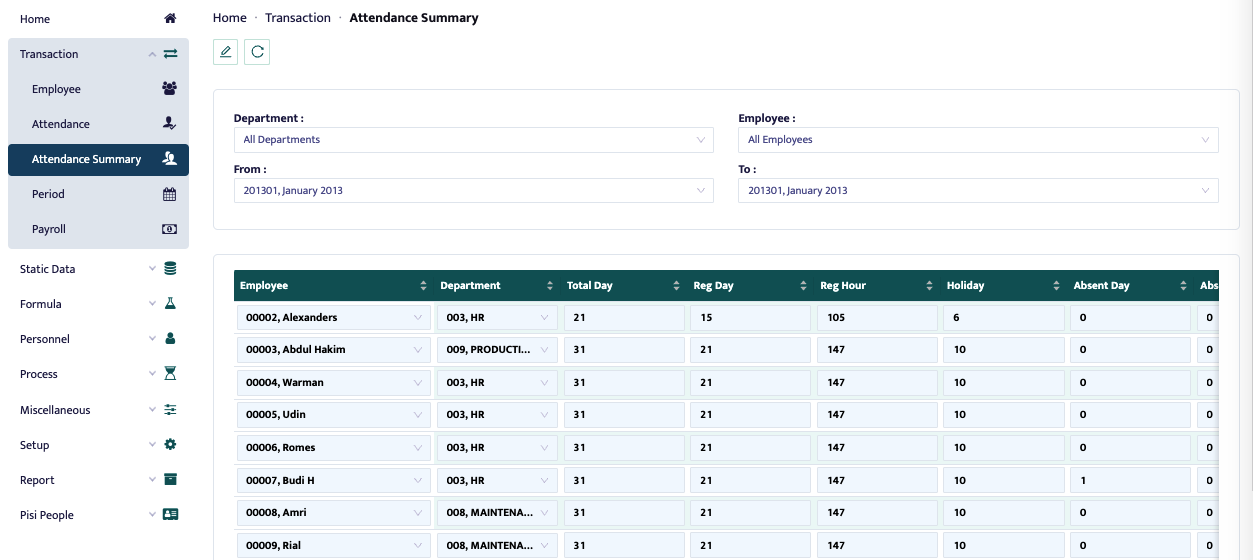
- In the department field, select the department whose attendance summary you want to display after posting.
- In the employee field, select the employee whose attendance summary you want to display after posting.
- In the from field, choose the month from which the attendance summary will be displayed after posting.
- In the to field, choose the month up to which the attendance summary will be displayed after posting.