Paid
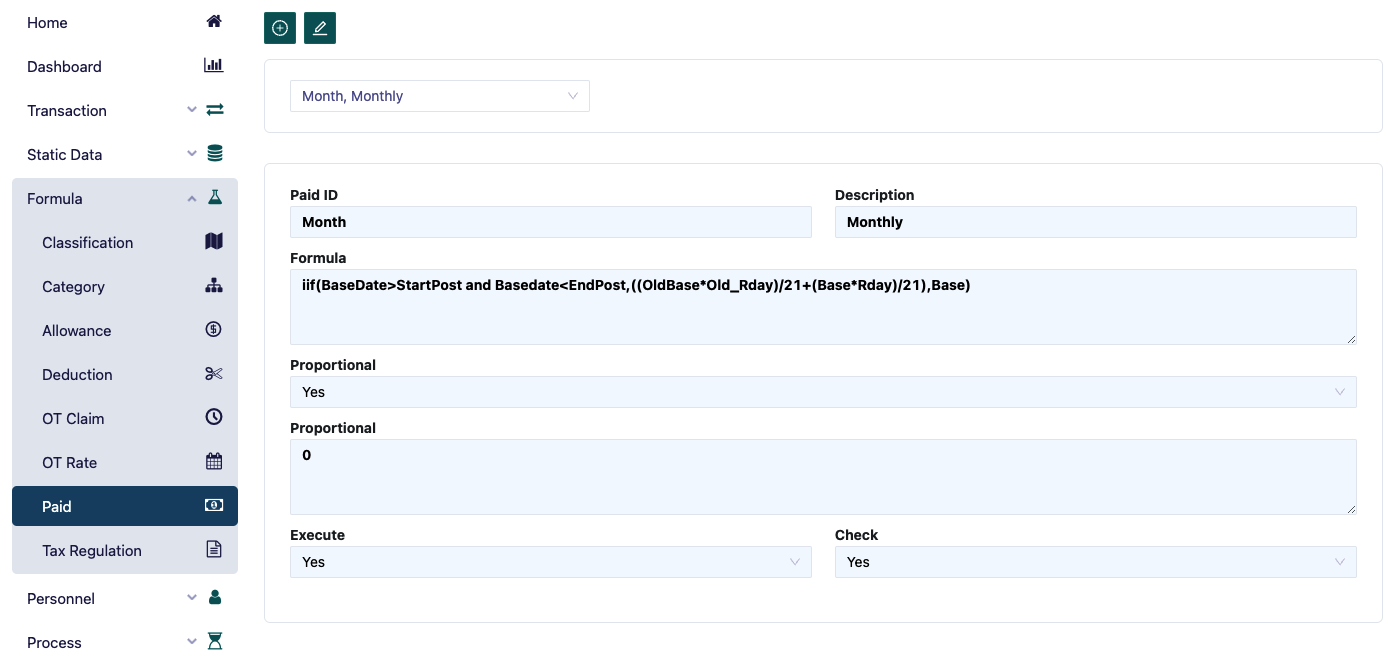
In the OT Rate form, it is used to define the payment method, such as monthly, weekly, or daily payments. The steps required to input the OT Rate formula are as follows:
- Enter the desired Paid ID and description.
- Enter the payment formula. For example, Monthly Payment: if an employee joins or resigns during the payroll period, the basic salary will be calculated by dividing the basic salary in the employee's profile by 21 and multiplying by the number of working days.
- If the payment is proportional, select proportional and enter the proportional formula.
- Execute 'yes' to inform the system that this formula can be used, and check 'yes' once it has been tested.